
Professional parametric CAD for makers.
The familiar workflow of professional CAD — without enterprise complexity, restrictive ecosystems, or enterprise pricing.
Familiar workflows. Modern implementation. Better experience.
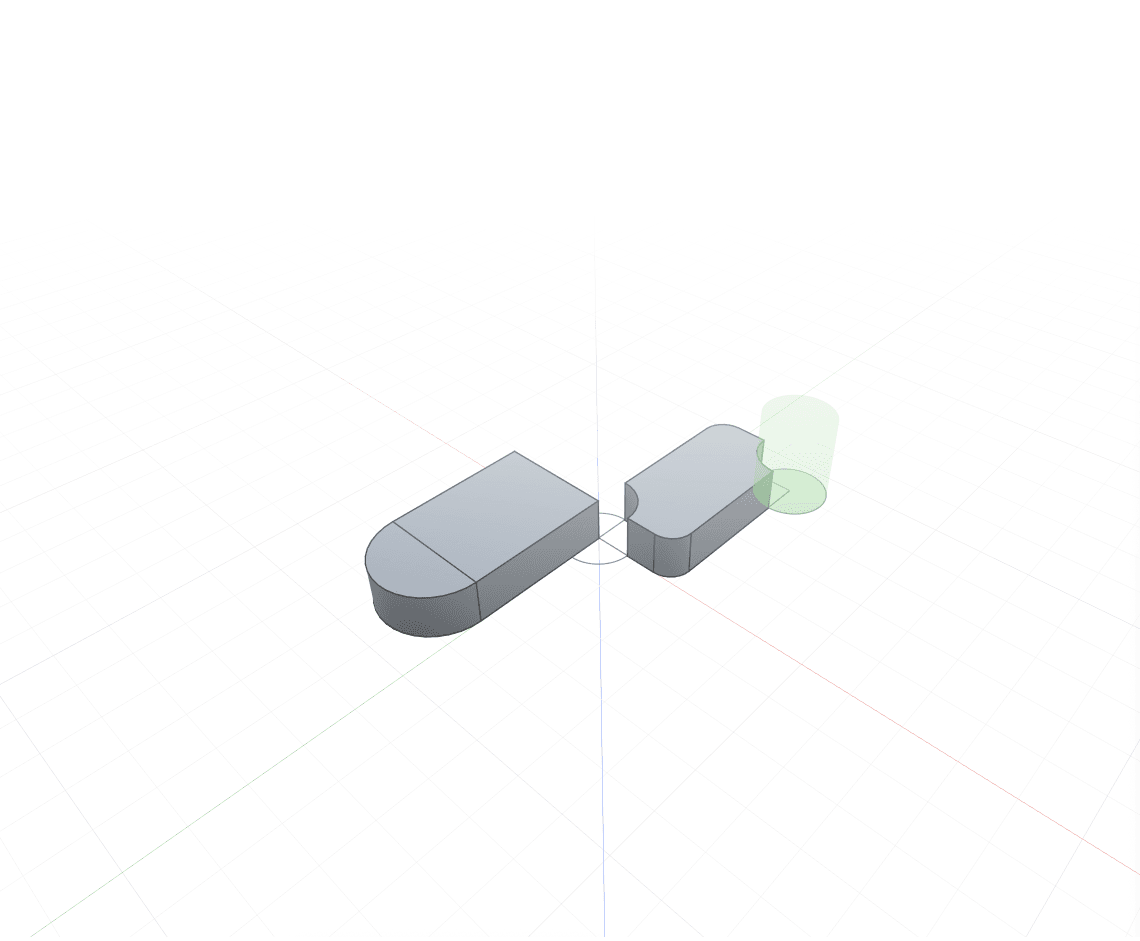
CAD that makers actually enjoy using.
Professional CAD software is often expensive, difficult to learn, or designed around the needs of large companies. Zenve3D is being built differently — focused on the tools independent creators need to design real mechanical parts, printed products, CNC components, robotics, enclosures, assemblies and prototypes.
From a simple mounting bracket to a complete product.
Familiar from the first sketch
The interface, modeling concepts and parametric workflow follow patterns experienced CAD users already understand. You shouldn't have to relearn CAD to use a modern application.
Fully parametric
Editable sketches, constraints, dimensions, features and a complete modeling history. Change an early dimension and the rest of the model updates with it.
Native, modern and fast
A modern C++ geometry engine, designed from the ground up for today's hardware — touch and Pencil on iPad, full desktop workflows on the Mac.
Everything a real part needs.
Four pillars of the modeling workflow — each built to feel native, and to stay editable long after the first version.
Constraints that hold the drawing together.
Lines, arcs, splines and dimensions solved live as you draw. Snap-to-geometry, auto-inferred constraints and a status that tells you exactly how many degrees of freedom are left.
- Coincident, tangent, parallel, equal, symmetric and more
- Dimensions accept expressions and parameters
- Draw with Pencil on iPad, precise input on Mac
Every number is an expression.
Name a value once and use it anywhere a number goes. Derived parameters update automatically, units are explicit, and the evaluated result is always shown next to the formula.
- Math, units and references in any field
- Sliders for quick what-if exploration
- Change one input, rebuild the whole model
Mate parts. Watch them move.
Bring components together with joints that describe real motion — rigid, revolute, slider. Drag a part and the rest follows the way the mechanism would.
- Pick two faces — snaps place the joint
- Components stay linked to their parametric source
- Limits hold as you drag
When clicking isn't enough, write it.
Generate gears, patterns, enclosures and whole part families from a few lines. Scripts read your parameters, produce real parametric features and sit in the timeline like anything else.
- Full access to sketches, features and parameters
- Re-run on parameter change
- Share scripts with the community
Designed for the Mac. Made for the iPad.
Download Zenve3D on macOS and iPad, or open it in the browser at app.zenve3d.com. The same geometry engine everywhere, tuned for each device — with collaboration on the roadmap.
- macOS — on the App Store
- iPad — on the App Store
- Web — app.zenve3d.com
Make professional parametric CAD accessible to everyone.
Professional CAD works. It is also expensive, heavy, tied to subscriptions and ecosystems you don’t control, and largely indifferent to the devices people actually design on. Makers, students and small teams end up choosing between tools that are genuinely capable and tools they can genuinely afford.
Zenve3D is built to refuse that trade.
Read about the projectCapable
Real mechanical parts, assemblies and prototypes — not a toy.
Native everywhere
Mac, iPad and the browser, one engine, no plugin.
Priced for one person
Free to start, Pro at a price you can justify on your own.
Open where it counts
A public script library every client reads, shaped by the people using it.
A different kind of CAD company.
Professional
Capable of designing real-world mechanical products.
Accessible
Approachable for makers, students and small teams.
Transparent
Progress, decisions and limitations shared openly.
Community-driven
User feedback directly shapes the roadmap.
Fairly priced
Professional CAD without enterprise-level spending.
One connected platform for turning ideas into real products.
Zenve3D begins with parametric CAD. The larger vision is a complete design and manufacturing platform for independent creators.
Get Zenve3D on Mac, iPad and the web.
Download it free, or open it straight in the browser — then suggest features, report problems and help shape the product as part of the founding community.
- Follow development
- Suggest features
- Shape the roadmap