

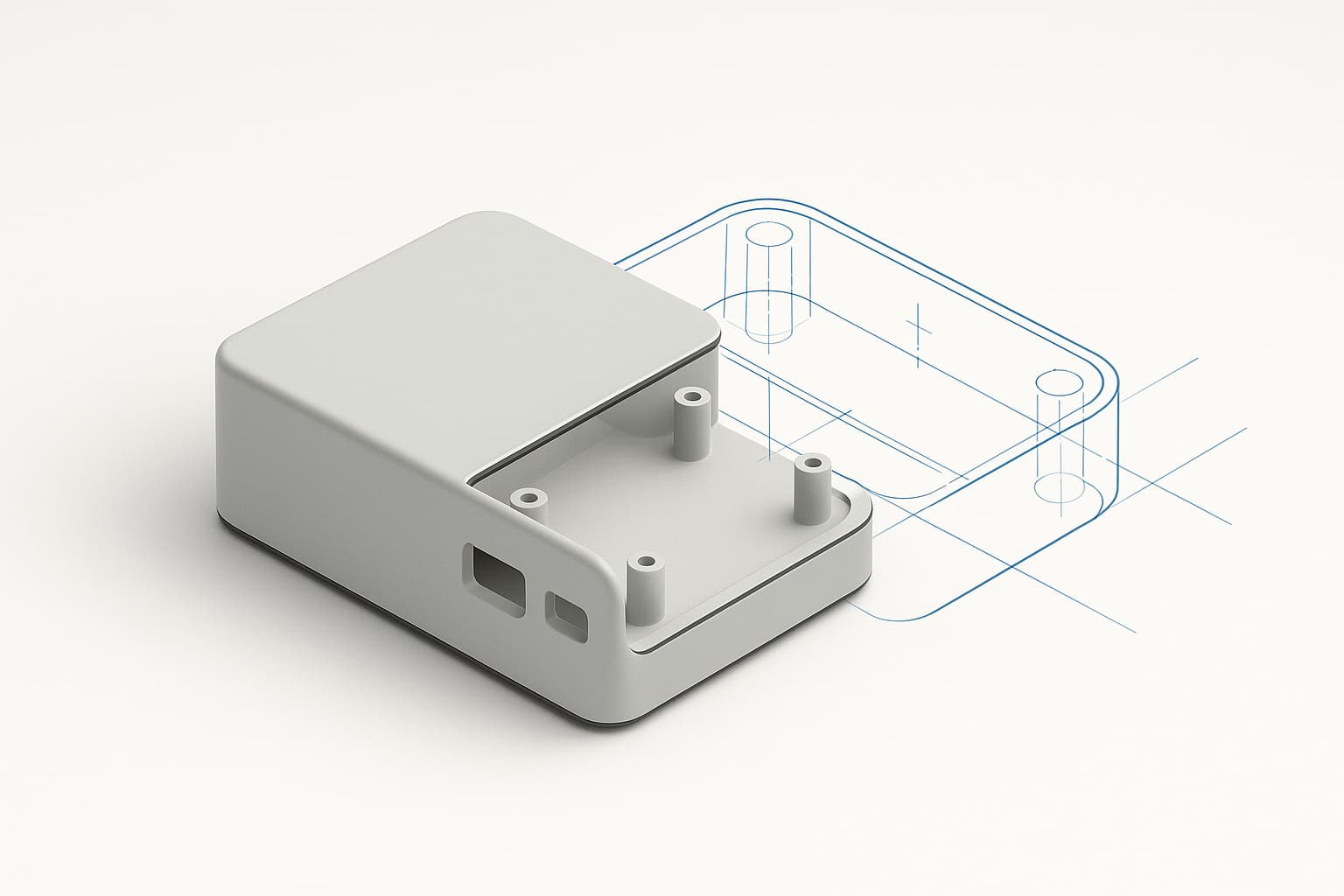
Zenve3D was built with AI in mind from the start. Not a chat panel bolted onto a CAD app — something better: any LLM you already use can design real, editable, parametric parts for you. Ask Claude for an Arduino case and what comes back isn't a picture or a mesh. It's a project — a sketch, its constraints, an extrude, a fillet, a timeline, with width, depth and wall sitting in the Parameters panel. Open it, drag wall from 2 mm to 3 mm, and the whole part rebuilds.
The setup is one MCP server and one URL. Point your AI at zenve3d.com/agents.md and it has everything it needs.
A recipe, not a mesh
This is the difference the whole design hangs on. An LLM that emits an STL hands you frozen geometry — you can print it or throw it away, and that's the entire menu. If the standoffs are half a millimetre off, you start the conversation over.
An LLM working with Zenve3D writes .zcmd — the same line-oriented command language the app itself records, where every dimension is an expression over named parameters. The output is a recipe, and a recipe stays yours: open it in the app, read the timeline, argue with it, change a number two years later. Nothing is baked.
An AI that emits a mesh hands you geometry you can only accept or discard. One that emits a recipe hands you a part you can keep editing forever.
Why the AI has to talk to the engine
Here's the technically interesting part, and the reason this is a loop rather than a one-shot script generator.
A language model cannot predict the numbers a geometry kernel produces. When an agent sketches a plate with a hole in it, that sketch encloses two regions — the plate, and the disc that would fill the hole — and which one is region 0 comes out of a decomposition only the engine can run. Same for faces and edges: "the top face" is an index into an enumeration minted by the kernel, and cutting a hole re-deals the whole list — face 5 before the cut means something else entirely after it. No amount of careful prompting makes that guessable. A blind script can be wrong silently even when every line parses, which is exactly the failure a CAD tool must never allow.
So instead of guessing, the agent asks. It writes a few lines, runs them through the real engine, and gets back a report written to be read as ground truth:
timeline 2:
  sketch 1028: ok
    solve: dof 0, free [], conflicts []
    regions 1:
      region 0: outer [1038, 1039, 1040, 1041], holes 0
  extrude 1050: ok
    distance: d3 (1049) = 3.000 mm "wall"

bodies 1:
  body 0: bounds (0.000, 0.000, 0.000) .. (60.000, 40.000, 3.000)
    faces 6:
      face 5: planar, normal (0.000, 0.000, 1.000), centroid (30.000, 20.000, 3.000)
dof 0 says the sketch is fully constrained. Face 5 has its normal pointing straight up at z = 3 — that's the top, read rather than assumed, and now the agent knows exactly where to sketch the bore. It writes the next few lines against the truth instead of a guess, runs again, reads again. Even refusals are built for the loop: a bad profile index comes back as no profile 2 in this sketch — profiles run 0 to 1, with the line number and the full report printed underneath — the wrong guess and the right answer in one message.
The setup
One entry in your MCP client's config:
// Claude Desktop ▸ Settings ▸ Developer ▸ Edit Config
{
  "mcpServers": {
    "zenve3d": { "command": "uvx", "args": ["zenve3d-mcp"] }
  }
}
That single command carries everything — the real geometry engine as a self-contained binary, and the complete language guide the agent reads before writing a line. Any MCP client works: Claude Desktop, Claude Code, anything else that speaks the protocol. Prefer a terminal? uv tool install zenve3d-mcp puts the zenve3d CLI on your PATH, same engine either way. And the app itself points the way — Settings ▸ AI names the install command, so you never have to remember it.
The server exposes four tools:
| Tool | What it does |
|---|---|
guide | The complete .zcmd language reference — the agent's whole context for the task |
run | Runs a script through the real engine and reports everything it saw |
describe | The same report for the project you have open in the app |
apply | Edits that open project, live in your viewport, as one undoable step |
Two ways to work
New parts. Ask for a part, and the agent iterates through run until the geometry checks out — it can even assert the exported mesh is watertight before handing anything over. The finished script lands in ~/Downloads/Zenve/, one file per part, rewritten on every iteration so you end up with the finished thing rather than twelve numbered attempts. Open it with File ▸ New from Script… and it becomes a full project. On iPad, send it over AirDrop or through Files and import it there. (The file itself is a readable .zcmd script — that format has its own post.)
The project you already have. The better direction once a project exists. Turn on AI mode — the lock beside the panel buttons — and the agent can read your open project with describe and edit it with apply. The edit appears in the viewport immediately, and ⌘Z takes the whole thing back, however many commands it contained.
The lock is the entire concurrency contract, and it's honest in both directions. While it's on, the app's own editing tools stand down — which is what keeps the part from moving underneath the faces and edges the agent is picking. And apply refuses to write if the lock is off or the document has changed since the agent last read it. Nothing lands silently, ever.
Safe by construction
Worth stating plainly, because "let an AI edit my files" deserves scrutiny. A .zcmd script can only speak commands the engine already accepts. It cannot touch your filesystem, run code, or reach outside the document. The worst a broken or malicious script can do is model something wrong — and it does that as a visible failed state with a sentence attached, never as a crash and never silently.
The app itself gained no network dependency, no API keys, no account requirement from any of this. The intelligence stays in tools you already have and already pay for; the app's contribution is an import door and a lock. Either side works with the other switched off. If a crashed conversation ever worries you: the script is on disk the whole time, so nothing an agent built is ever lost to a dropped session.
Try it
Add the MCP server above, then point your AI at zenve3d.com/agents.md — the public guide with a full worked example, including the exact moment a face list re-deals under a cut and how the agent handles it. Then ask for something real: a mounting plate for a NEMA 17, a case for the board on your desk. What comes back will have sliders.
One honest limit: the server ships for macOS on Apple silicon and Linux on x86_64 — no Windows wheel yet. iPad users aren't left out — the agent runs on the Mac or the Linux box, and the part arrives on the iPad as a file. A Windows wheel comes when people ask.